Screenshots
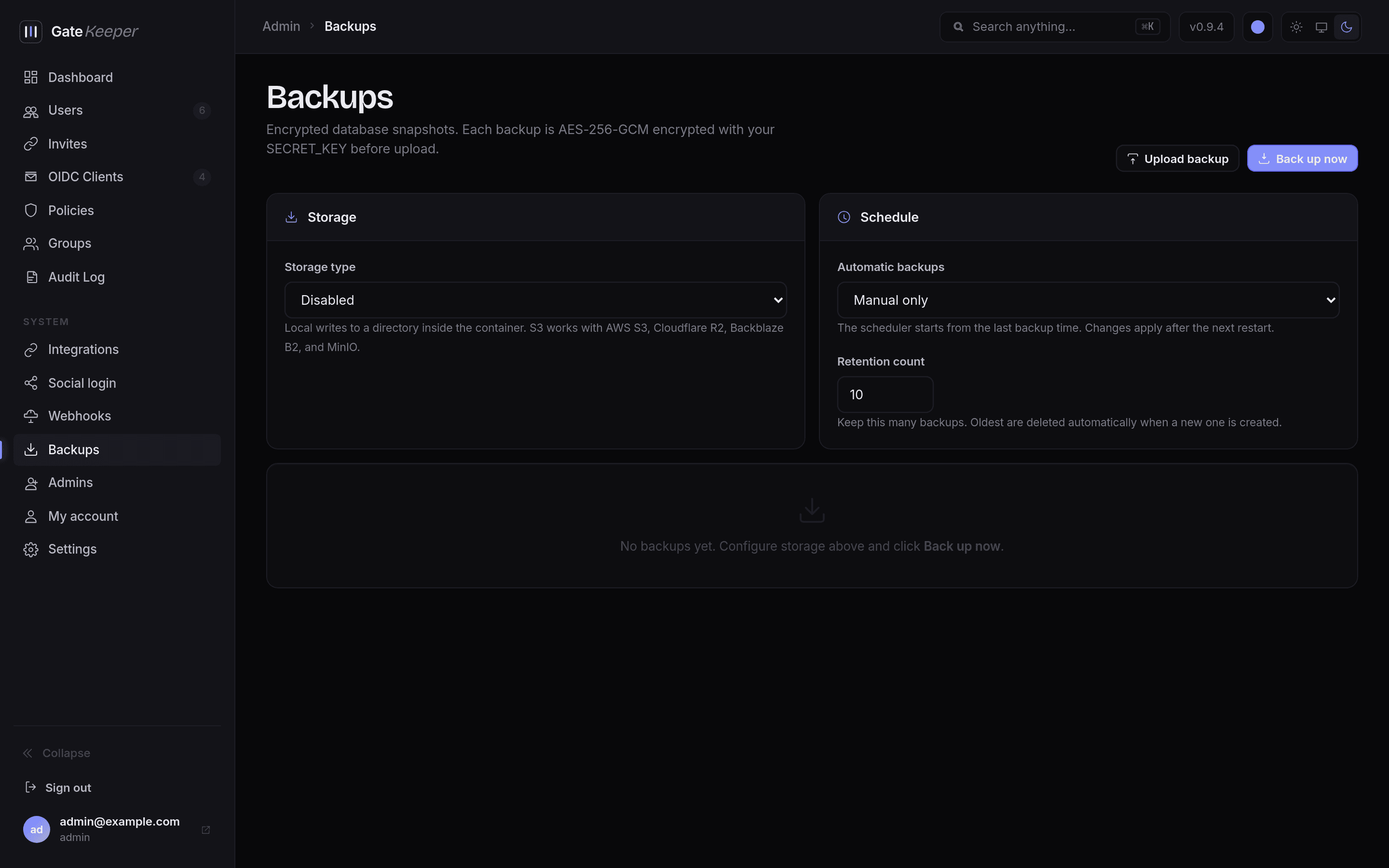
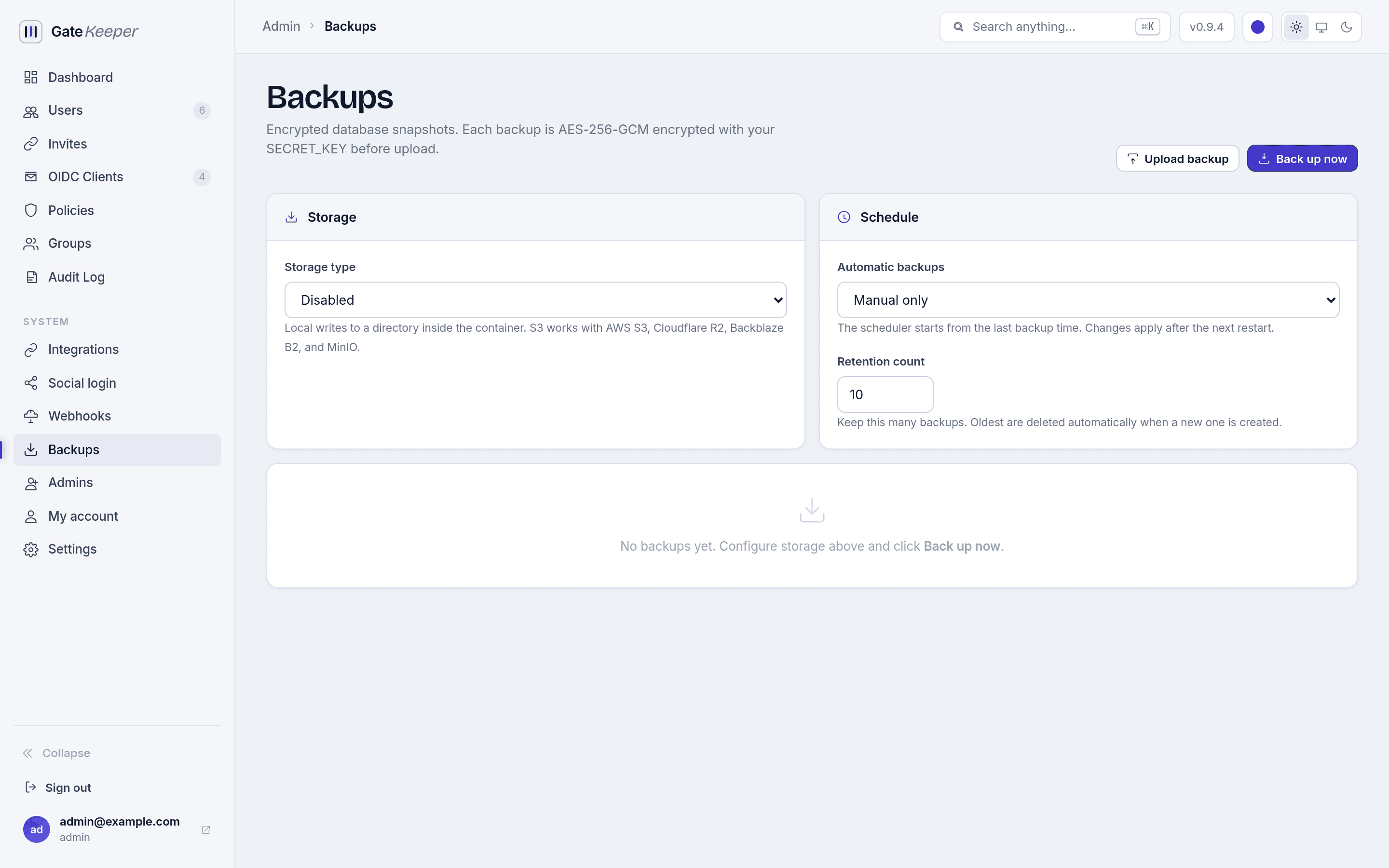
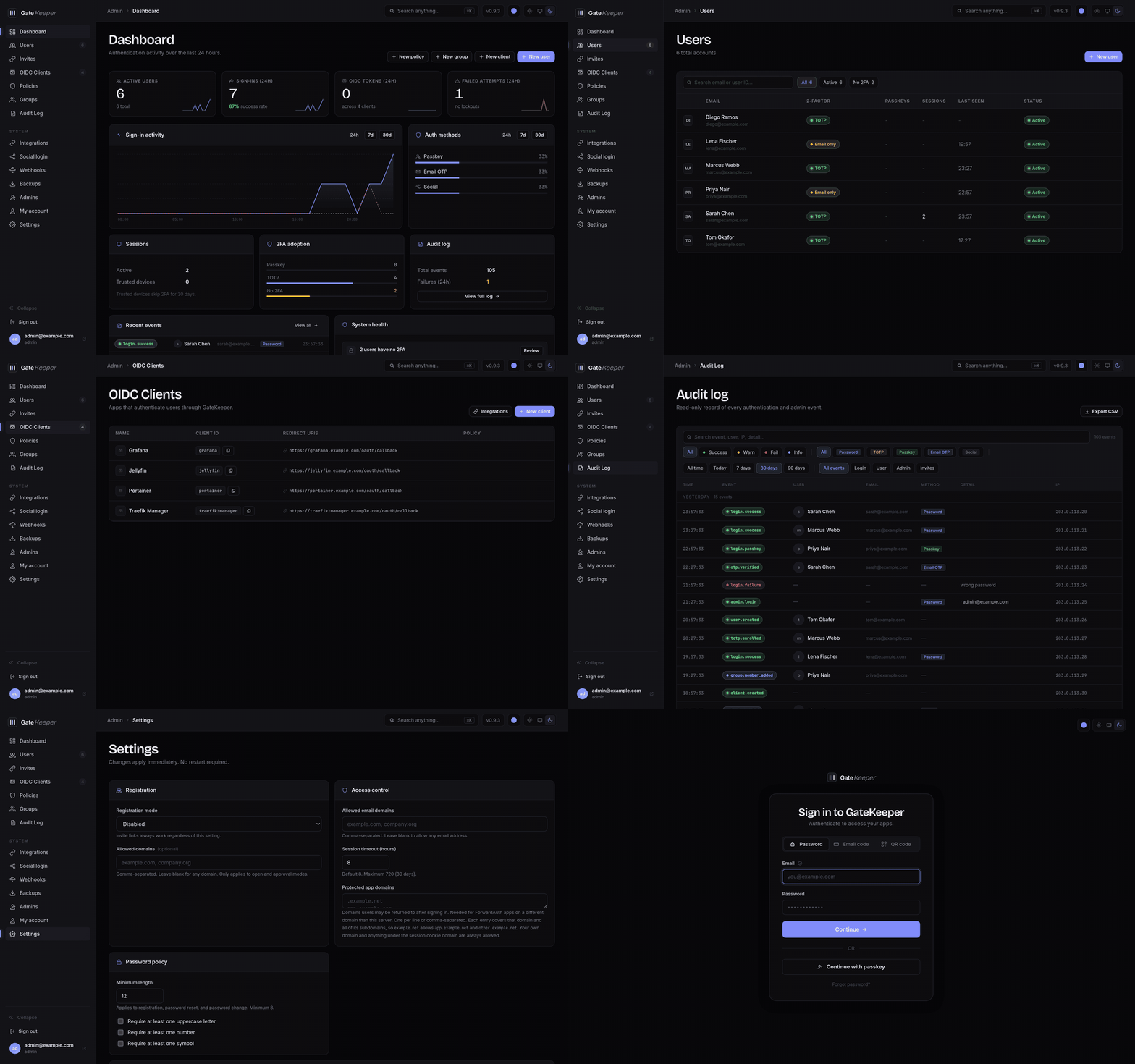
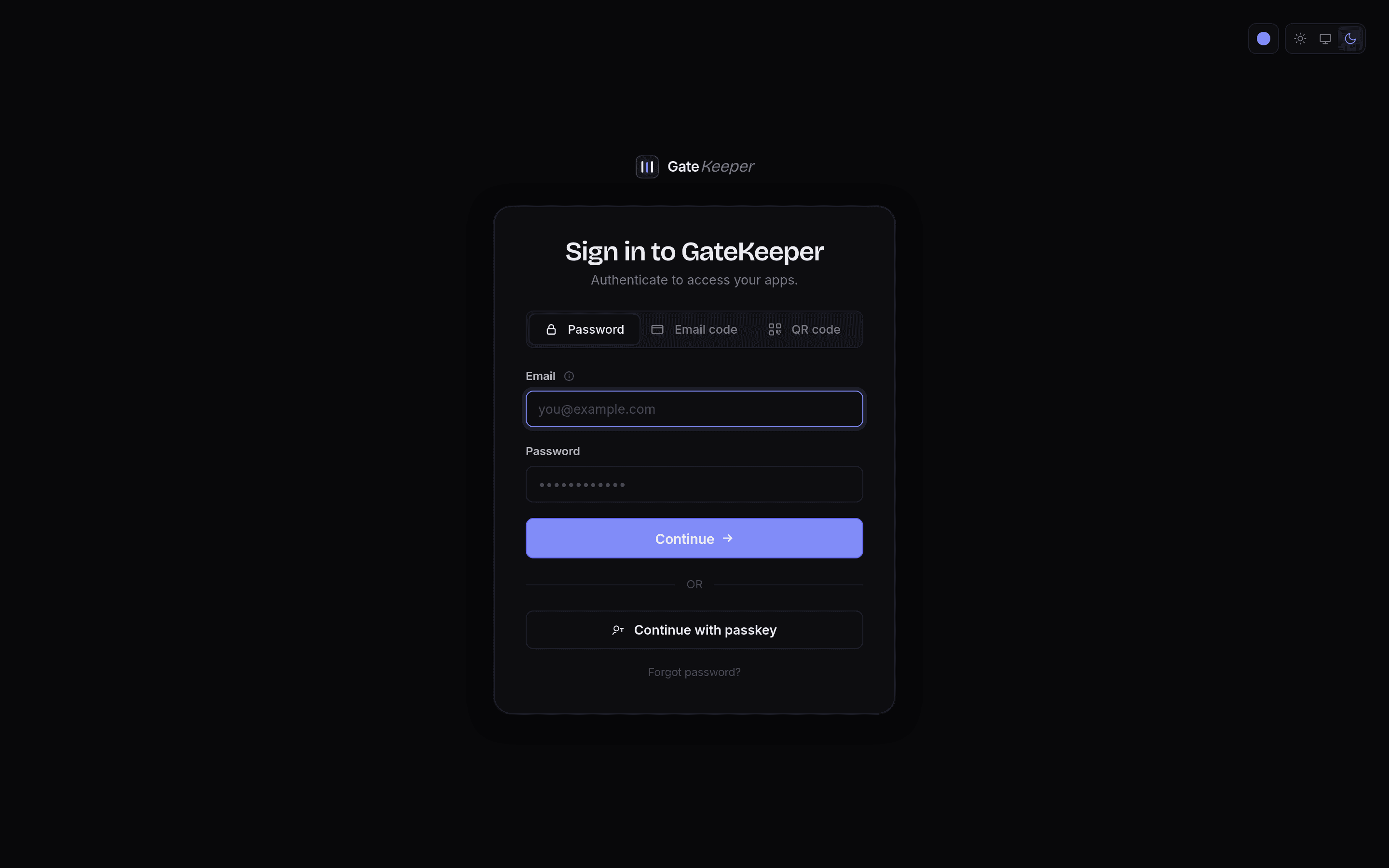
GateKeeper ships light and dark themes, and remembers the choice per browser. The screenshots below follow whichever theme you are reading this page in - switch it with the toggle in the header to see the other one.
Sign-in
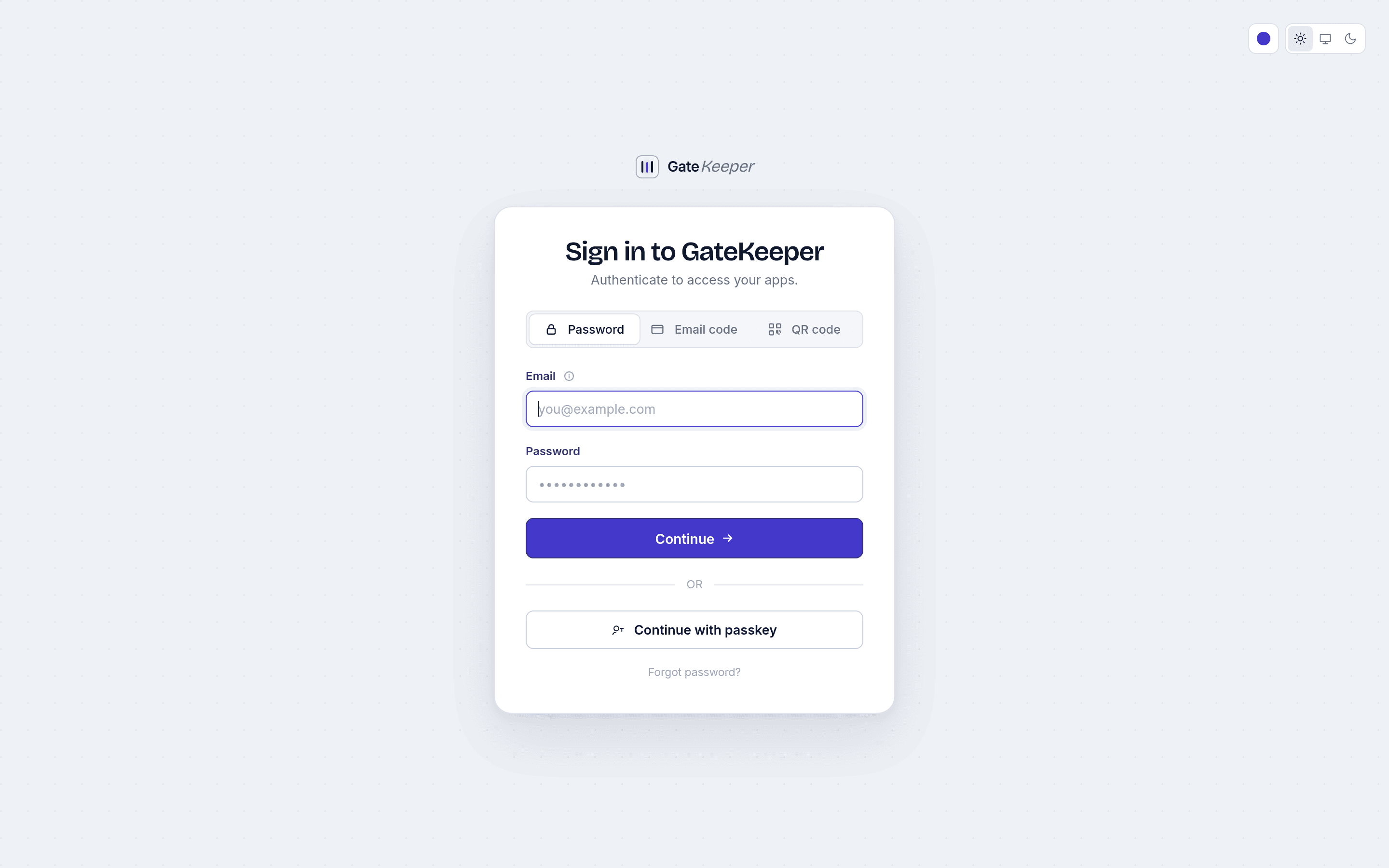
Password, email code, and QR code sign-in sit together in one control, with passkeys and any enabled social providers below. When an app starts the sign-in through OIDC, its name and icon replace the GateKeeper branding.
User portal
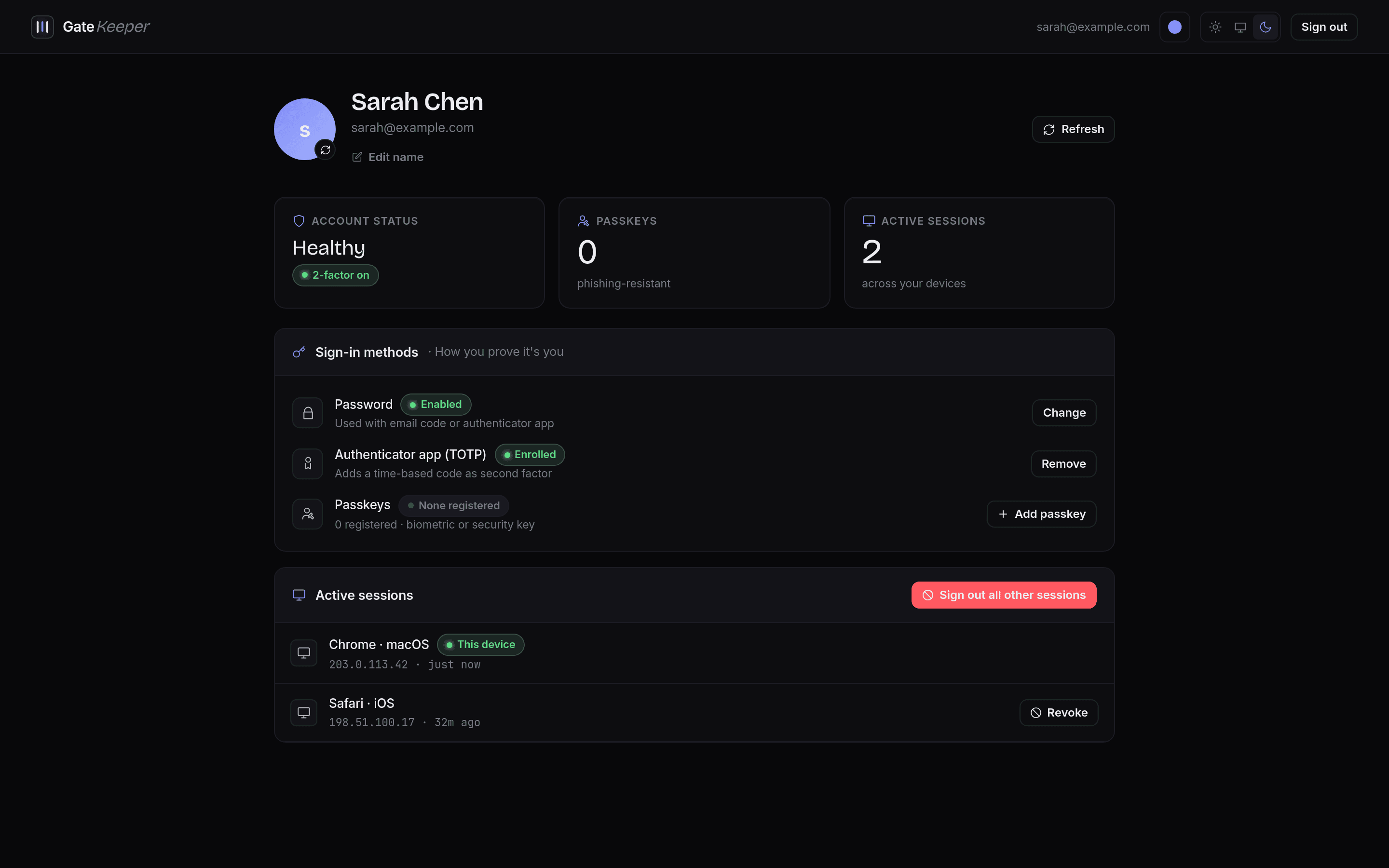
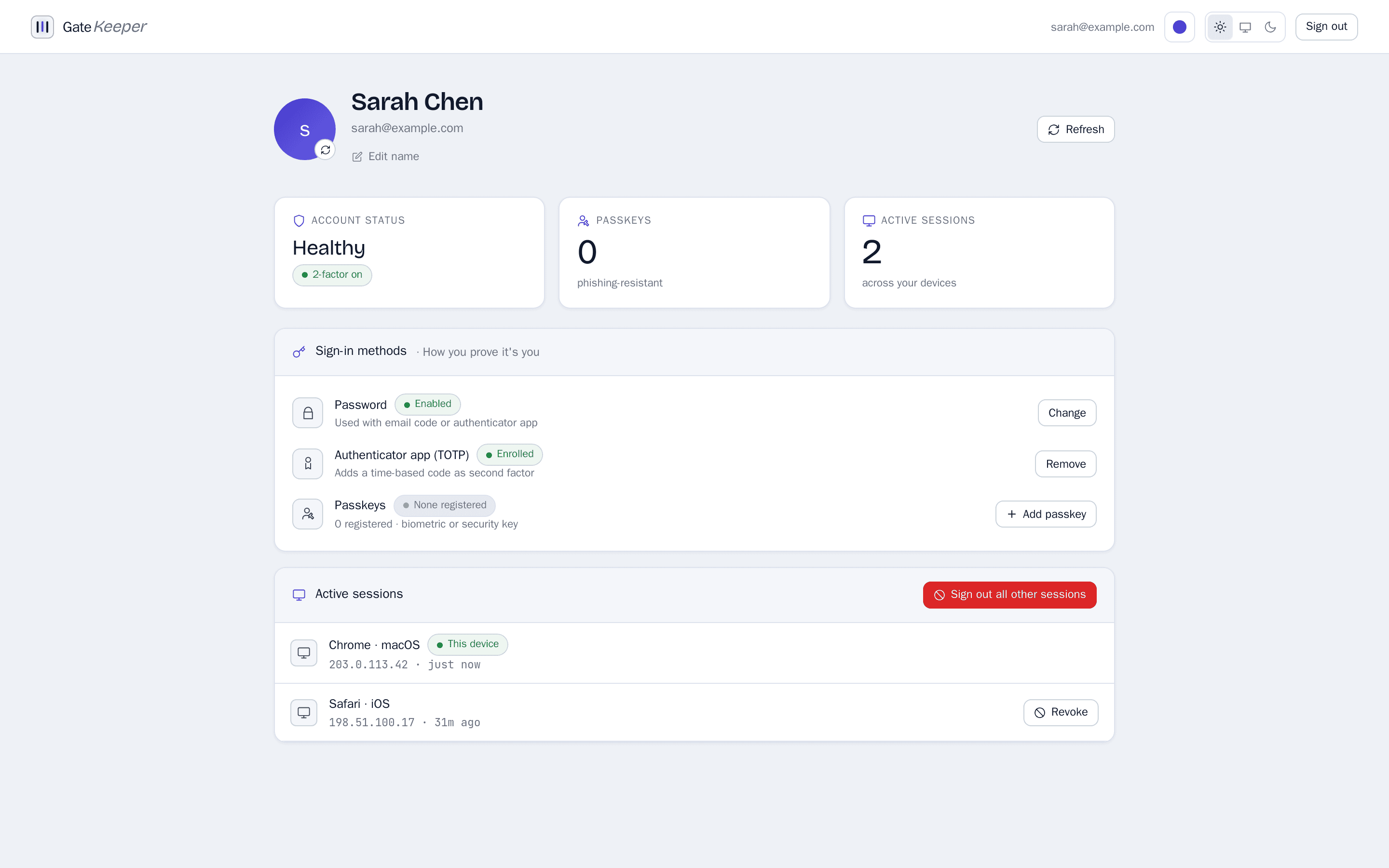
Users manage their own account here: display name and avatar, sign-in methods, enrolled passkeys, and every active session with the option to sign the others out.
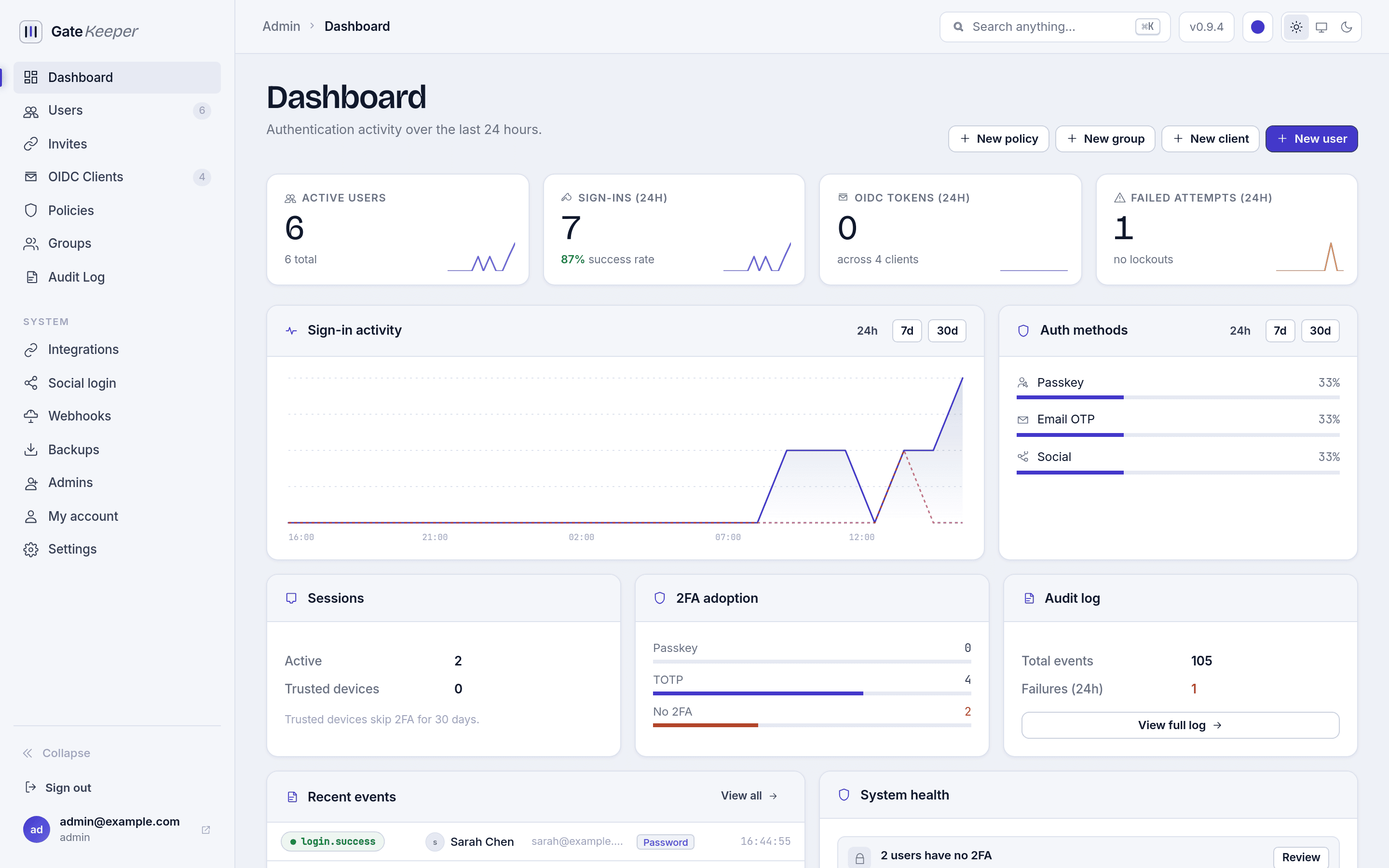
Dashboard
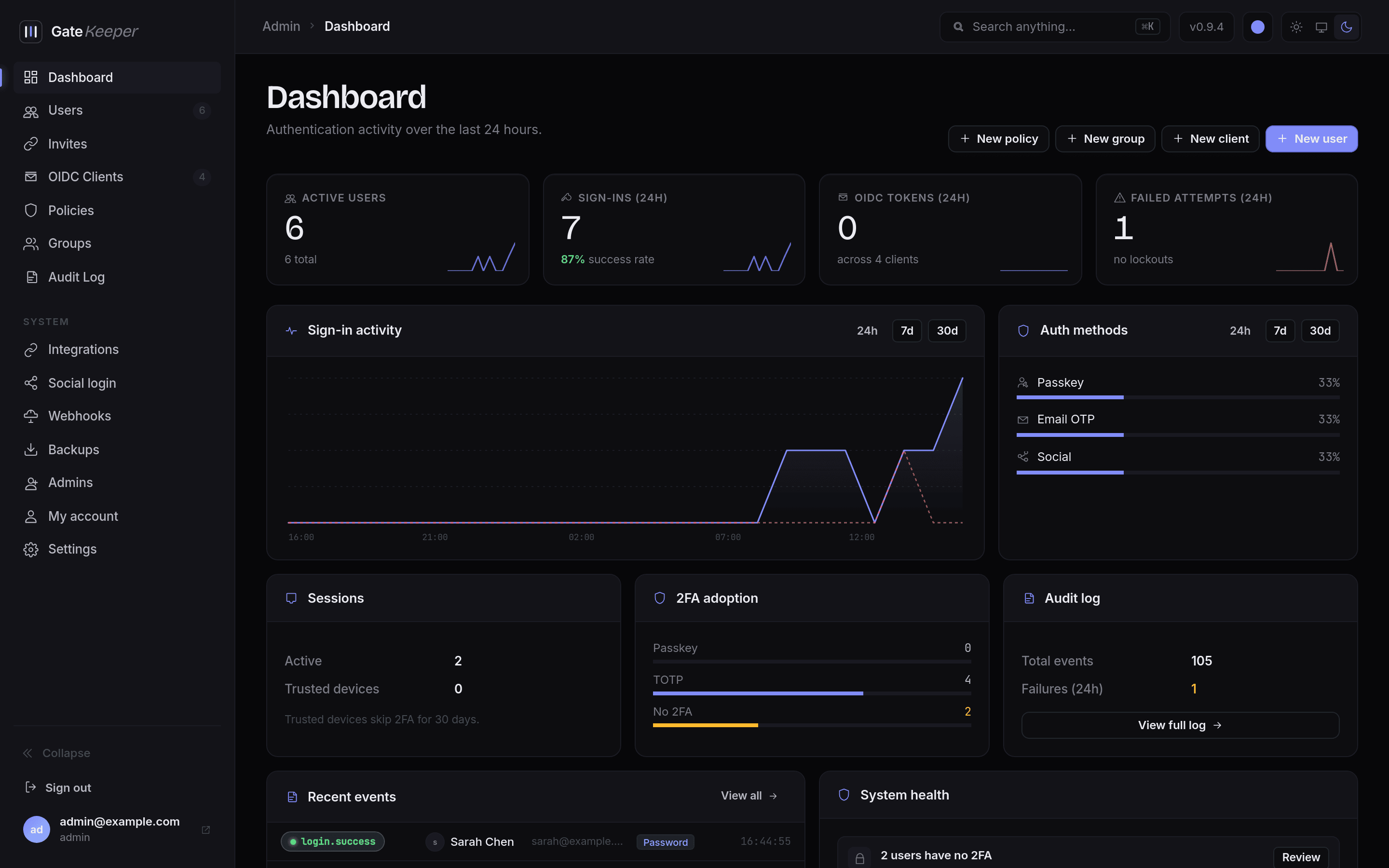
Live sign-in activity, failed attempts, OIDC token counts, two-factor adoption, and a system health panel that surfaces anything needing attention.
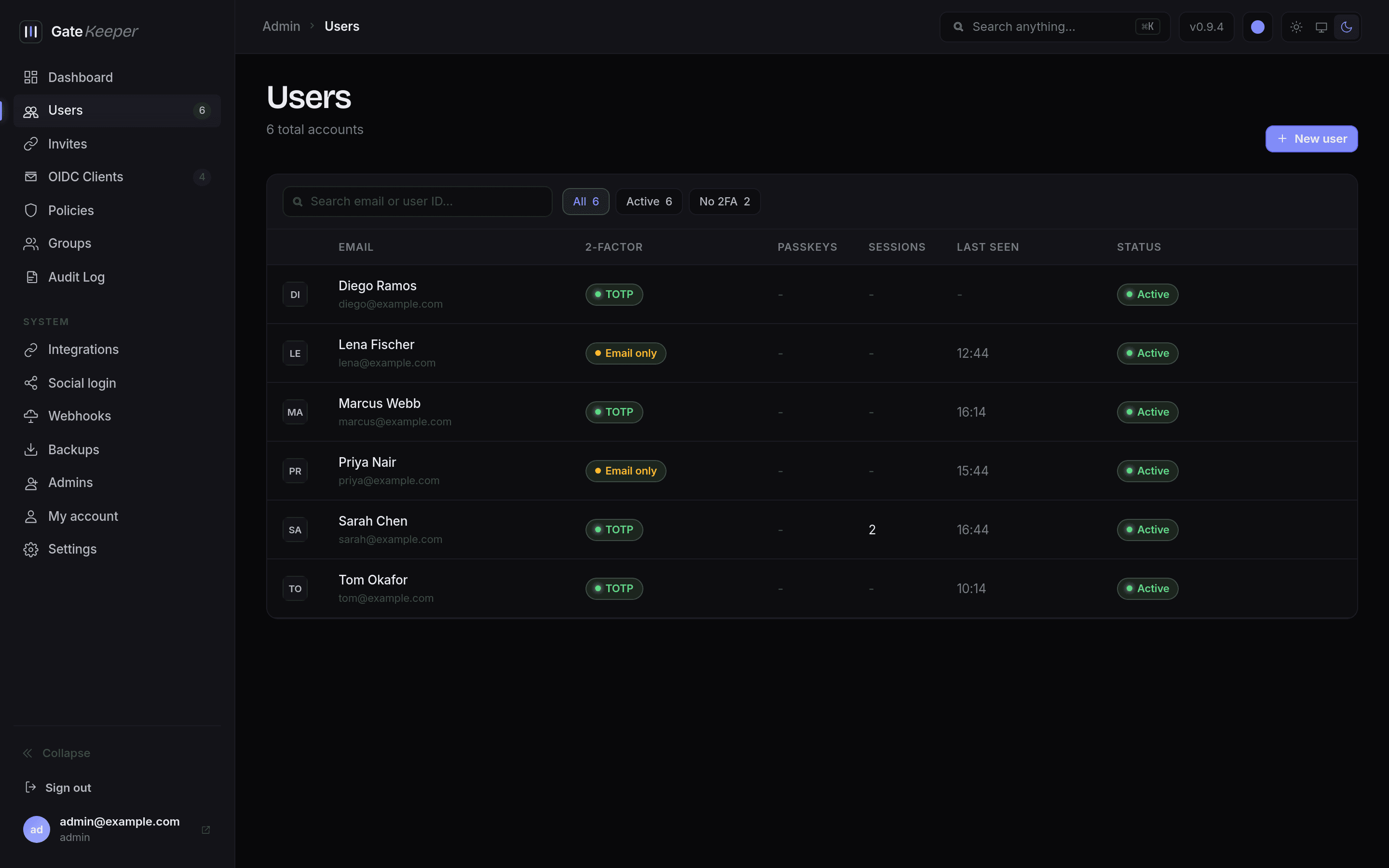
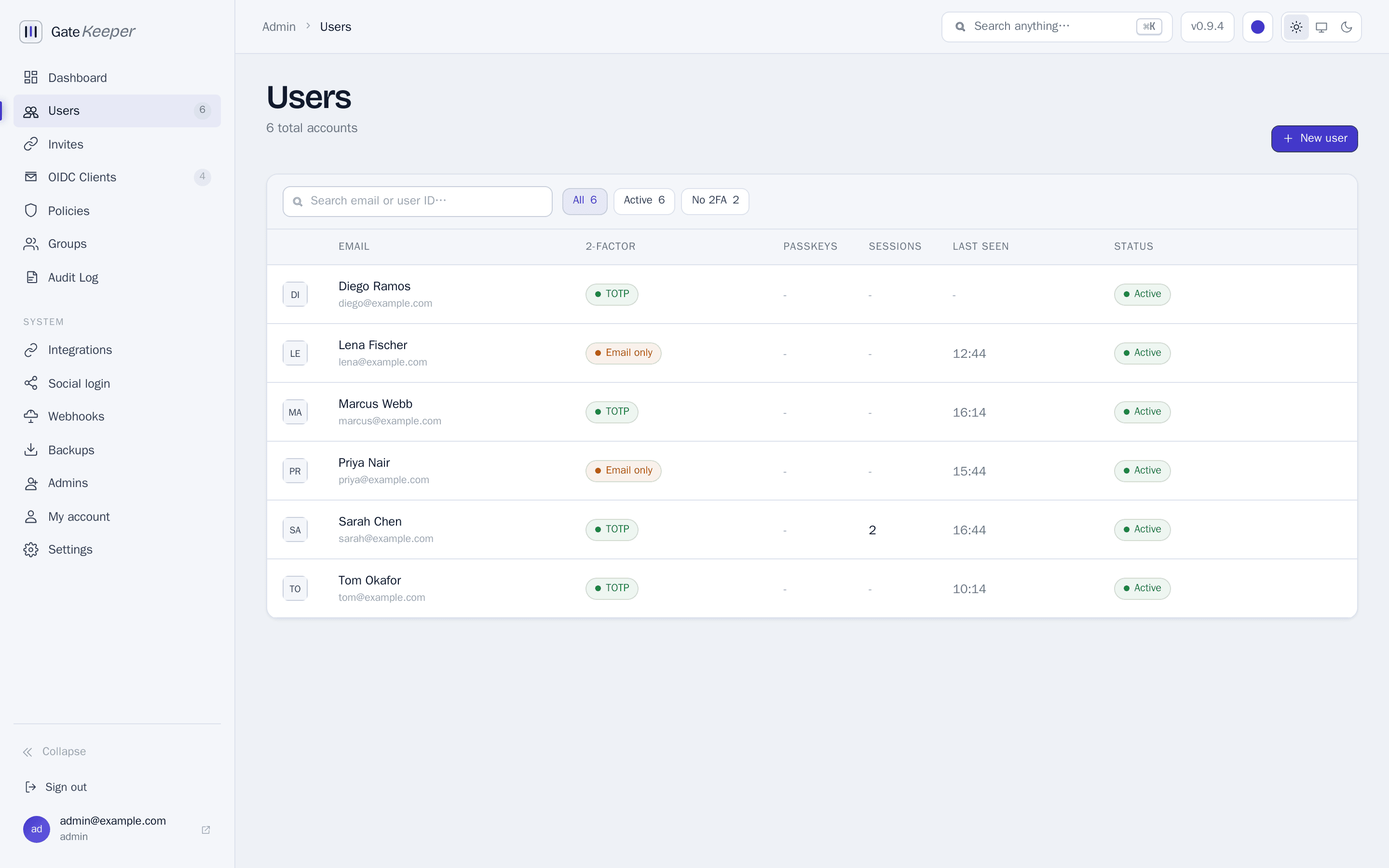
Users
Create and manage accounts, approve pending registrations, promote a user to admin, and see each person's sign-in methods at a glance.
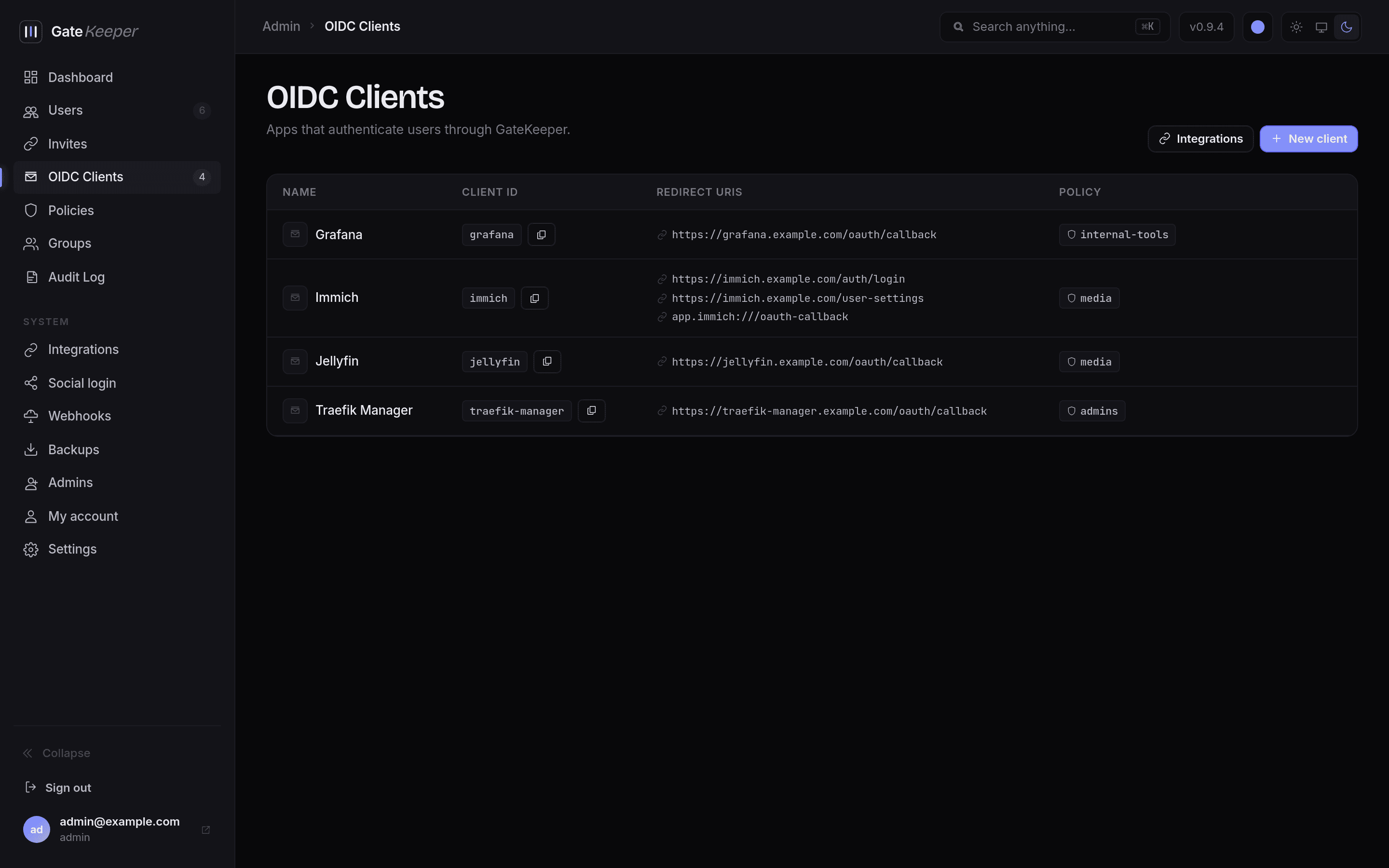
OIDC clients
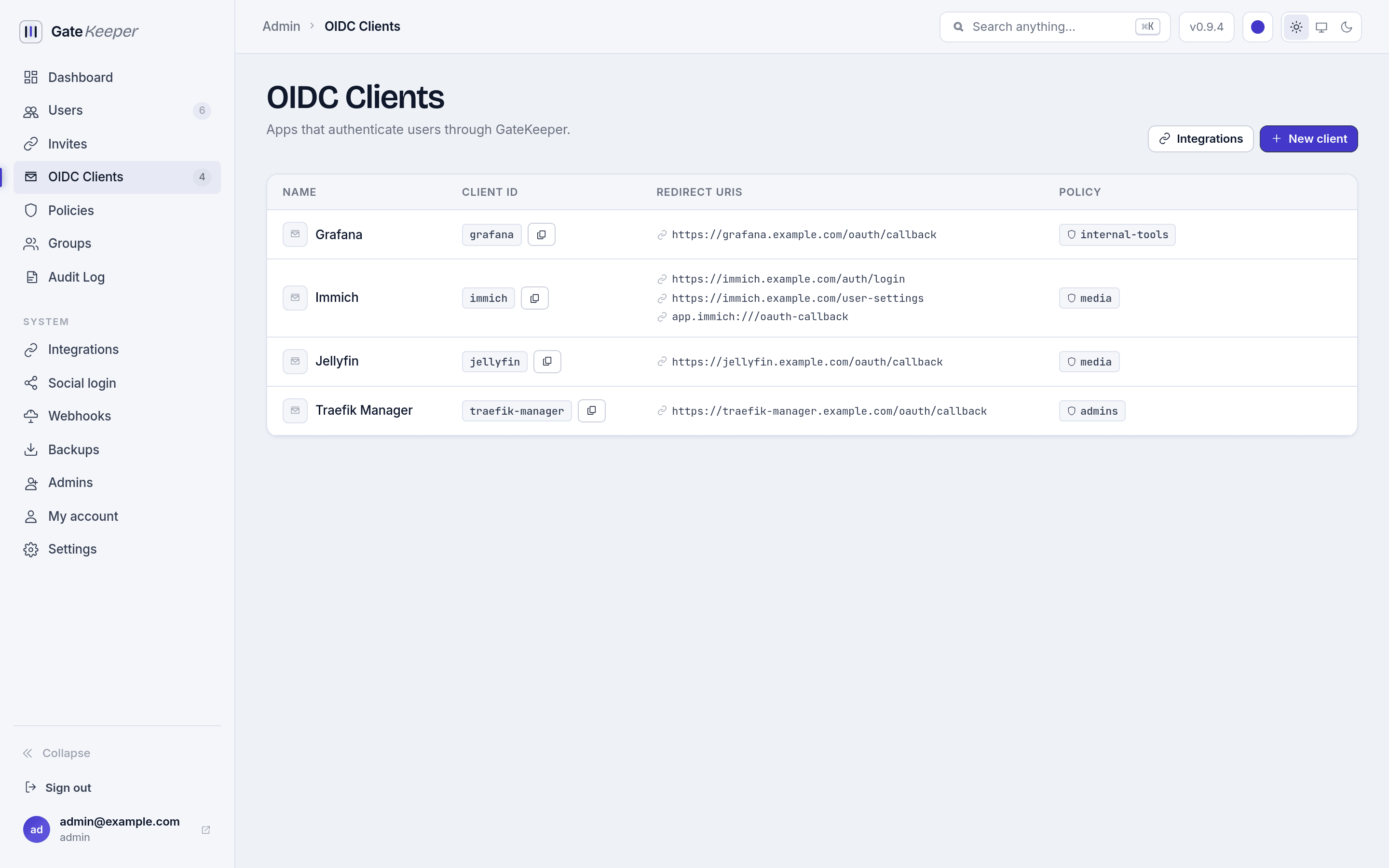
Register the apps that delegate login to GateKeeper. Each client holds its redirect URIs, icon, custom claims, and an optional access policy.
Access policies
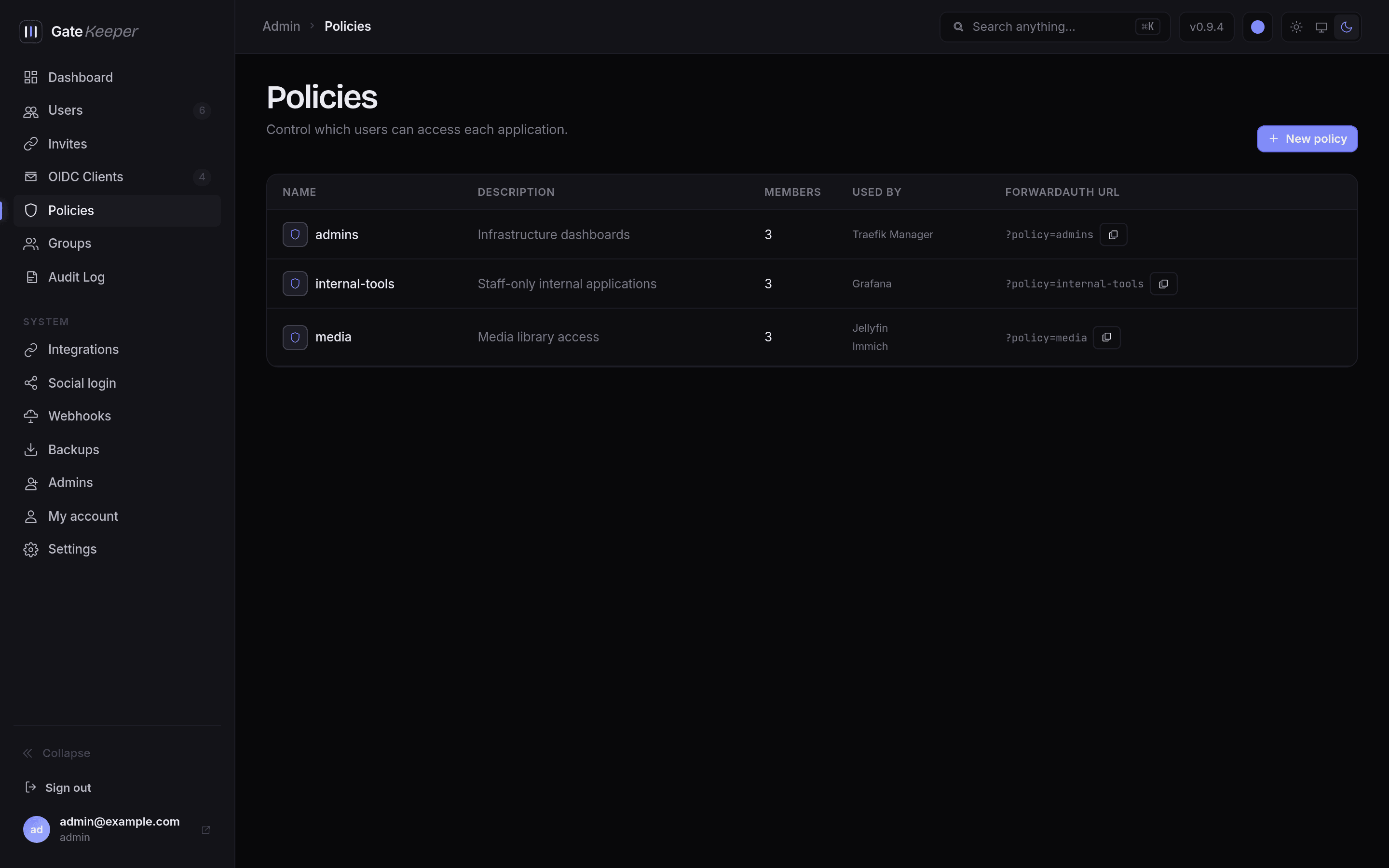
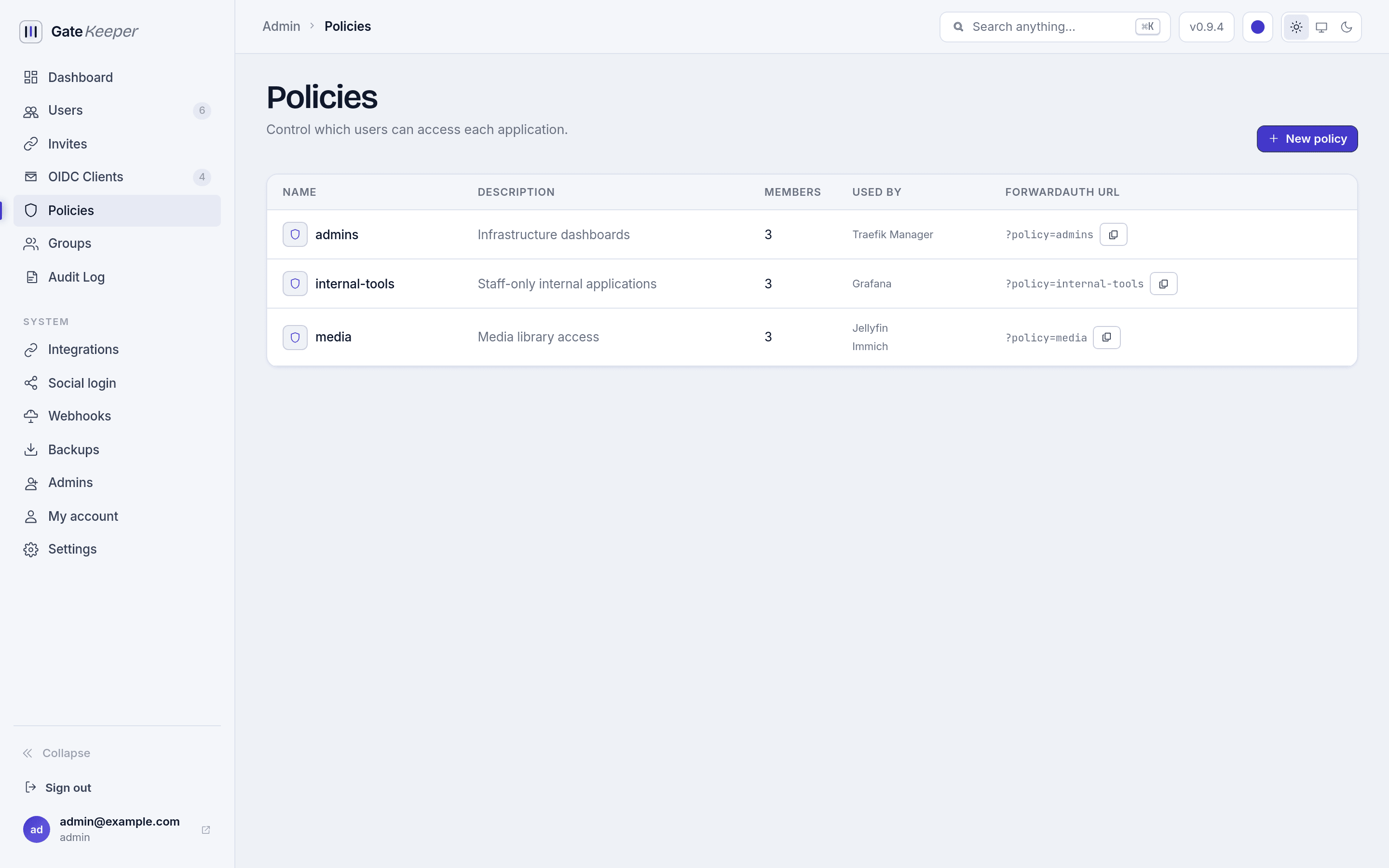
Policies decide who reaches which app. Attach one to an OIDC client or reference it from a ForwardAuth route, and optionally store credentials for apps that have no SSO of their own.
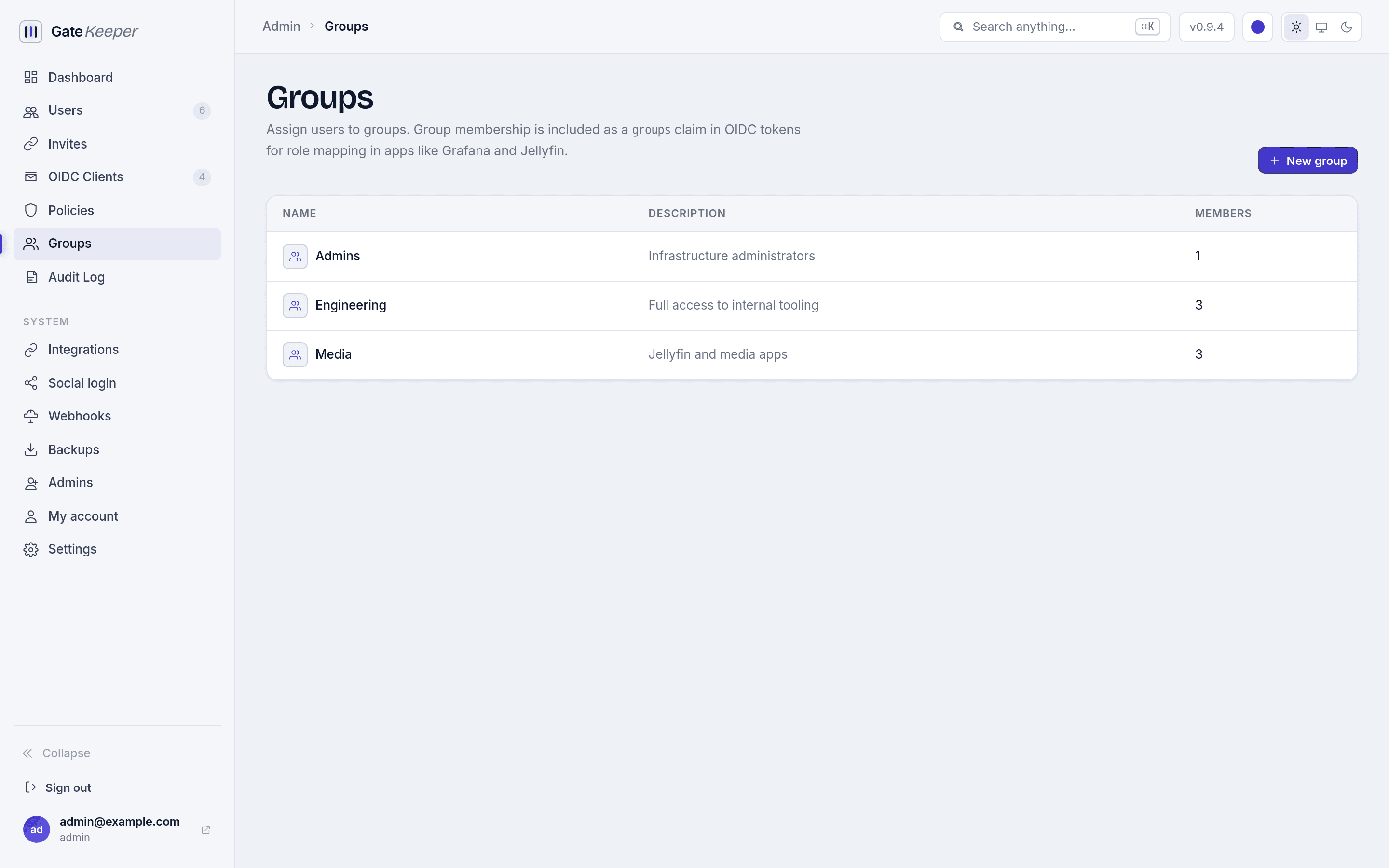
Groups
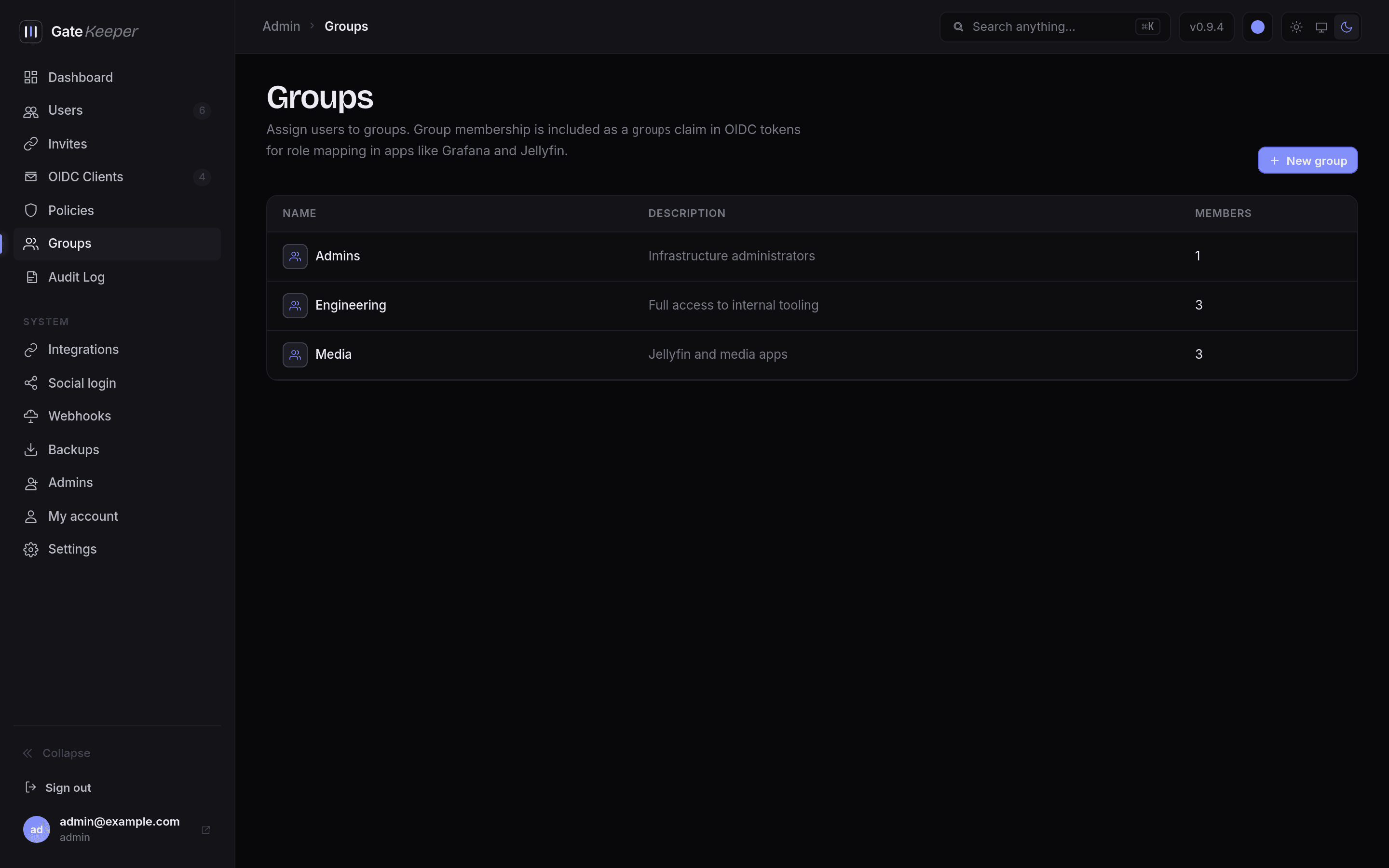
Group membership is published as a groups claim in every OIDC token, which is what apps like Grafana and Jellyfin use for role mapping.
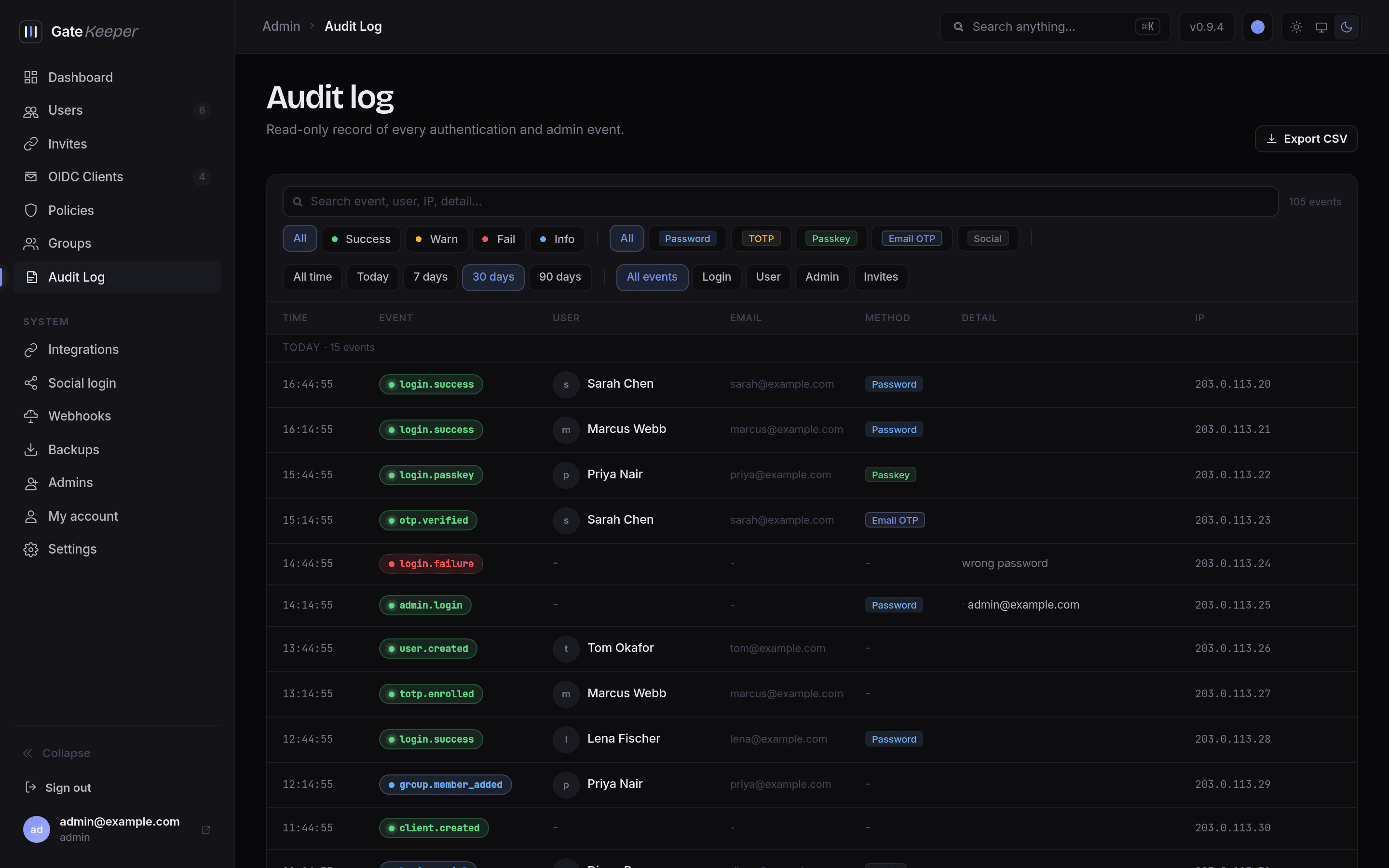
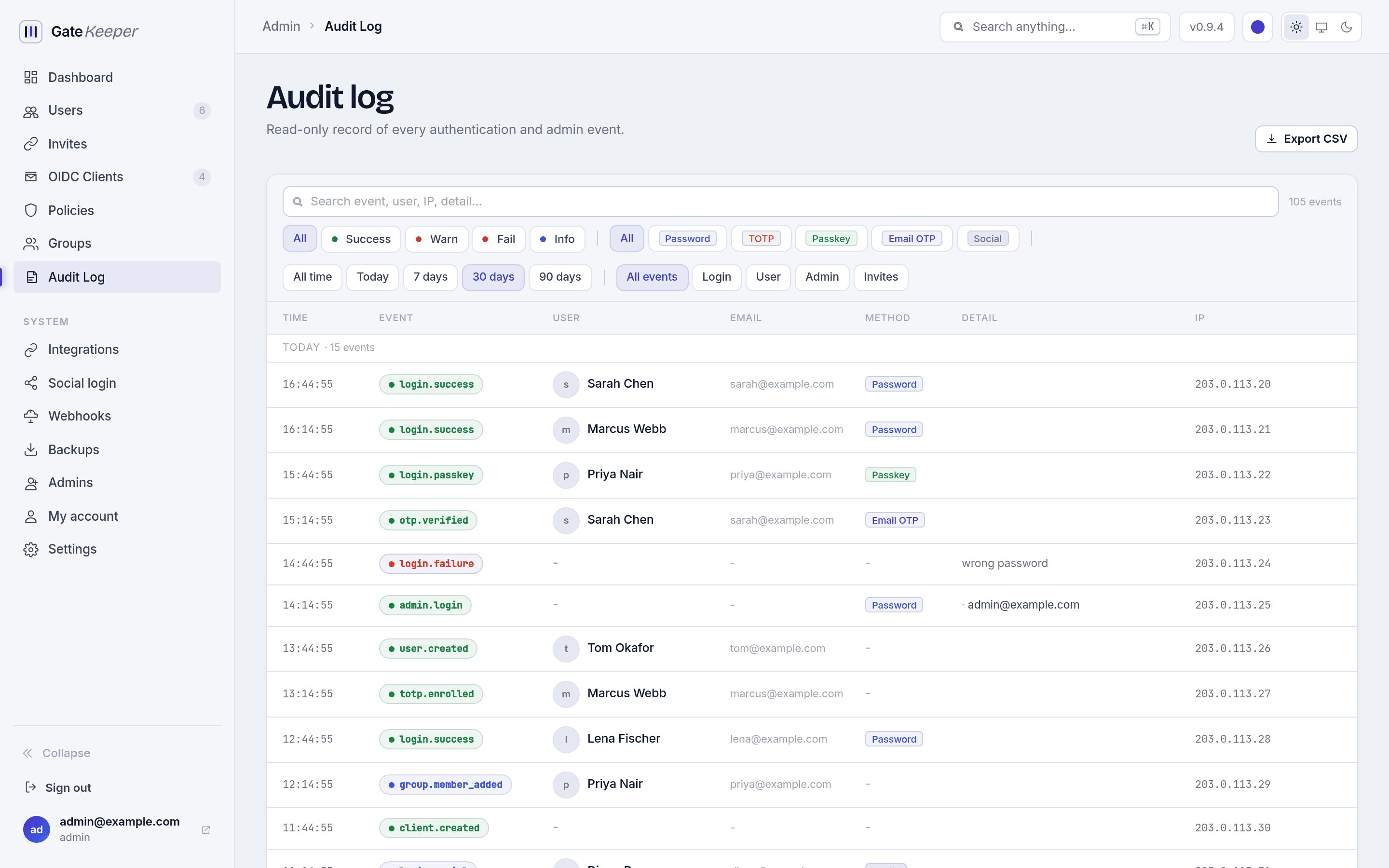
Audit log
An append-only record of every authentication and admin event, filterable by category, outcome, sign-in method, and date range, and exportable as CSV.
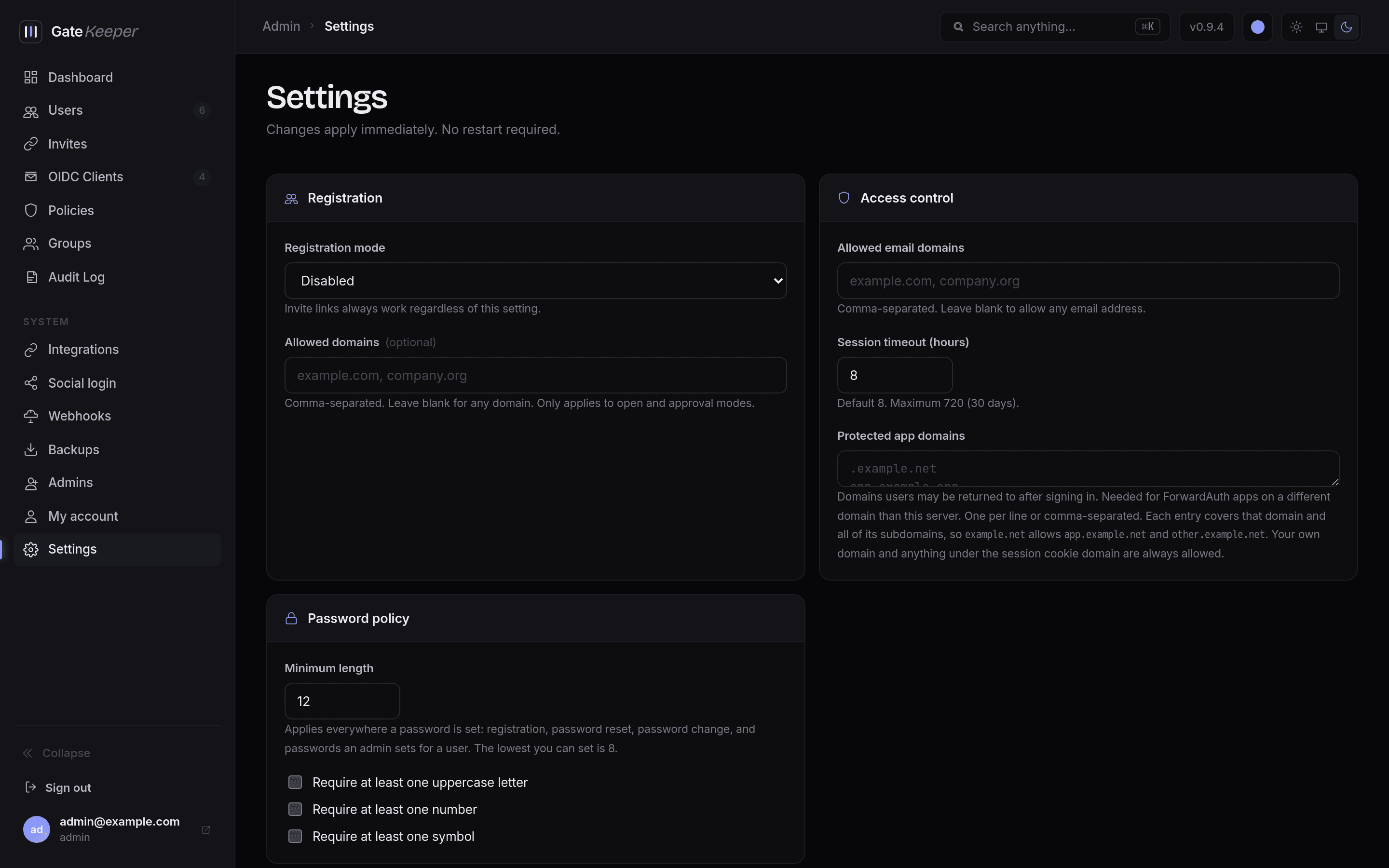
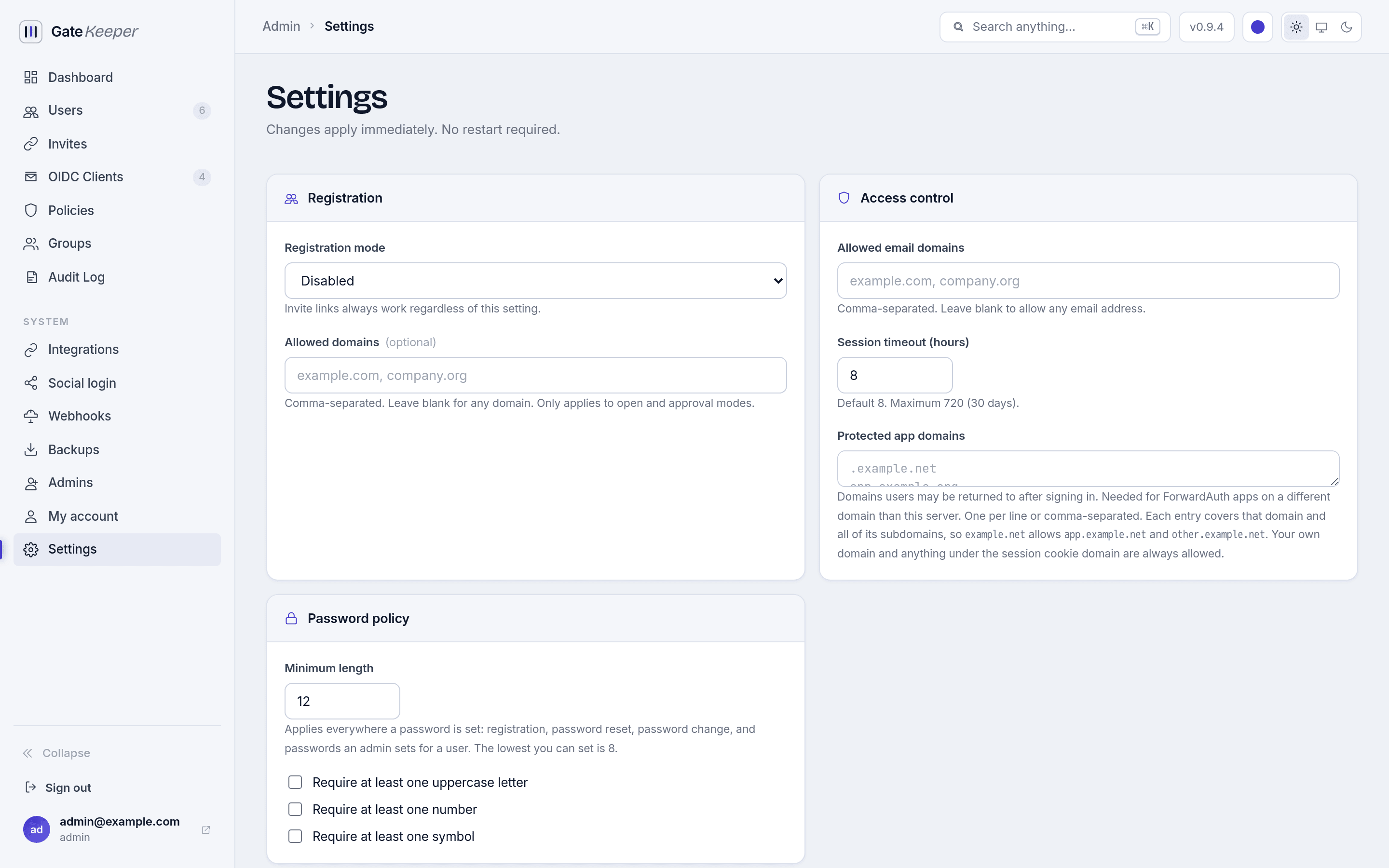
Settings
SMTP, session lifetime, registration mode, password policy, protected app domains, and branding. Changes apply immediately with no restart.
Backups
Encrypted snapshots on demand or on a schedule, stored locally or in any S3-compatible bucket, and restored or uploaded from the same page.